
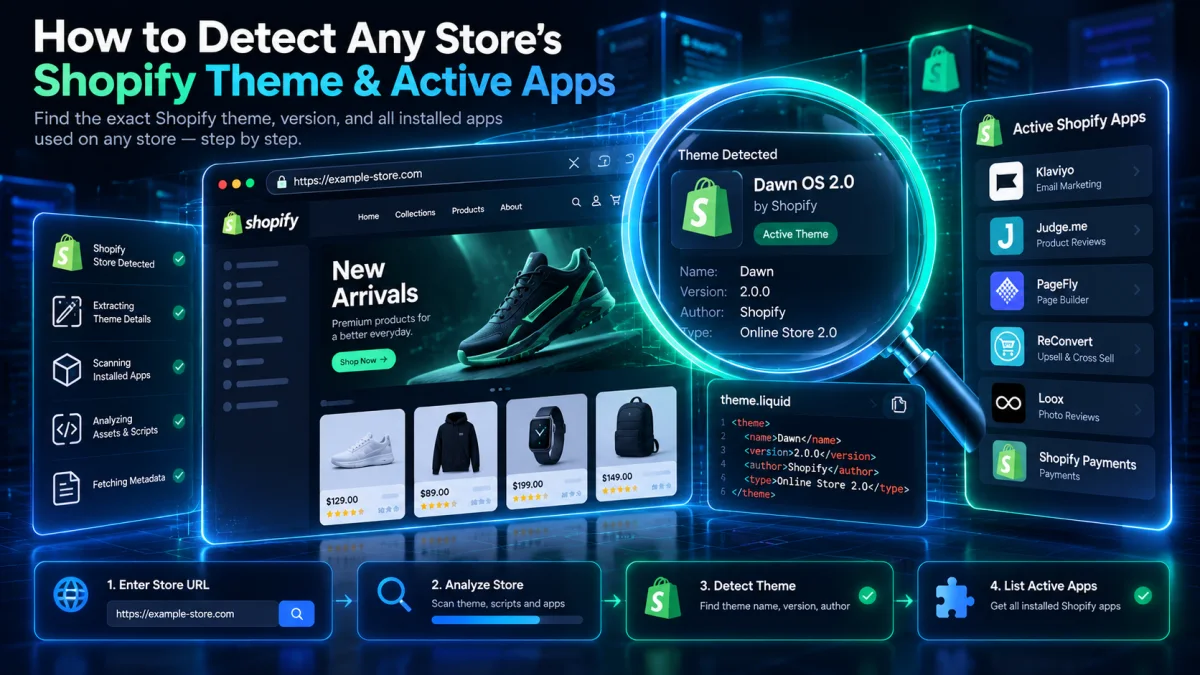
When researching high-converting e-commerce brands, one of the fastest ways to benchmark their storefront design and conversion rate optimization (CRO) stack is to check: “What Shopify theme and apps is this store using?”
Whether a store runs an official Shopify Theme Store template (such as Dawn, Impulse, Prestige, Warehouse, Symmetry, Impact, Shrine, or Ella) or a heavily customized Shopify Online Store 2.0 build, Shopify outputs structured metadata in the browser DOM that reveals the exact theme name, theme store ID, and active storefront apps.
In this guide, we walk through 3 fast methods to detect any store’s Shopify theme and active apps in seconds.
Method 1: Use Our Free Shopify Theme Detector & App Checker (Instant)
The easiest way to uncover a store’s Shopify theme, theme store ID, active Shopify apps, payment gateways, and CDN speed without opening browser code is to paste the store URL into our free Shopify Theme Detector & Website Technology Checker.
- Go to the GrowthNiq Website Theme Detector.
- Enter the Shopify store URL and click Analyze.
- The scanner automatically inspects the store’s
window.Shopify.themeruntime object, Liquid asset bundles, and app script tags to report:- Active Shopify Theme Name & Theme Store ID: Distinguishes between official Shopify Theme Store templates (e.g., Dawn, Impulse, Prestige) and custom agency themes.
- Installed Shopify Apps & Pixels: Detects Klaviyo, Judge.me, Loox, Yotpo, Gorgias, ReCharge, PageFly, GemPages, Meta Pixel, TikTok Pixel, and Google Analytics 4.
- Edge Infrastructure & Security Grade: Verifies Cloudflare/Shopify CDN response speed (TTFB), DNS records, and HTTP security headers.
Method 2: Inspect the Shopify.theme JavaScript Object in DevTools
Every standard Shopify storefront injects a global JavaScript variable named Shopify.theme directly into the HTML document head. You can inspect it manually in less than 15 seconds:
- Open the Shopify store in Google Chrome and press
Ctrl + U(or right-click and select View Page Source). - Press
Ctrl + Fand search forShopify.theme =. - You will see a JSON object similar to this:
Shopify.theme = {
  "name": "Impulse",
  "id": 142891024612,
  "theme_store_id": 857,
  "role": "main"
};
What Each Field Means
name: The display name of the active theme in the merchant’s Shopify Admin. Note that merchants or agencies sometimes rename this string (for example,"BrandName Production v2.4").theme_store_id: The immutable official ID from the Shopify Theme Store! Even if a merchant renames the theme in their admin panel, thetheme_store_idreveals the exact original parent theme (for example,887is Dawn,857is Impulse, and855is Prestige). Iftheme_store_idisnull, the theme was uploaded as a custom ZIP or third-party marketplace theme.role: Indicates whether the theme is the live published theme ("main") or an unpublished preview theme.
Method 3: Reference Table of Popular Shopify Theme Store IDs
If a store Owner renamed their theme in Shopify.theme.name, match the theme_store_id number against this reference table (or let our Shopify Theme Detector resolve it automatically):
| Theme Store ID | Official Shopify Theme Name | Primary Store Category |
|---|---|---|
887 |
Dawn (Official OS 2.0 Default) | Lightweight All-Purpose OS 2.0 |
857 |
Impulse (Archetype Themes) | High-Volume Fashion & Apparel |
855 |
Prestige (Maestrooo) | Luxury & Direct-to-Consumer Brands |
871 |
Warehouse (Maestrooo) | Large-Catalog Electronics & Wholesale |
568 |
Symmetry (Clean Canvas) | Fashion, Beauty & Multi-Collection |
1190 |
Impact (Maestrooo) | Modern High-Conversion Brand Stores |
How to Detect Active Shopify Apps on Any Store
Frontend Shopify apps (such as review widgets, upsell drawers, subscription portals, and email popups) load JavaScript bundles through Shopify’s App Proxy or cdn.shopify.com/extensions/. When you scan a store with the GrowthNiq Theme Detector, our engine matches script URLs and DOM containers against hundreds of known Shopify app signatures.
Want to inspect WordPress or custom CMS websites too? Check out our companion guides:
- How to Check What WordPress Theme and Plugins a Website Is Using
- What CMS and Technology Is This Website Using? (2026 Lookup Guide)
- 15 Most Popular WordPress Themes and Plugins (With Live Website Examples)
Frequently Asked Questions
What if a store uses Shopify Hydrogen or a headless Next.js frontend?
Headless Shopify stores (built with Shopify Hydrogen, Next.js Commerce, or Nuxt) do not use Liquid themes or Shopify.theme. Instead, they communicate with the Shopify Storefront GraphQL API. Our Website Theme Detector & CMS Checker detects both the frontend React/Next.js framework and the underlying Shopify checkout/cart fingerprints.